 Hearthtone
Apple Watch guide
How to listen to Navidrome on Apple Watch
Yes, you can listen to Navidrome on Apple Watch without your iPhone nearby with Hearthtone Pro. The free Watch app controls playback on your paired iPhone and shows its queue. Hearthtone requires watchOS 26 or later.
Control playback on your iPhone for free
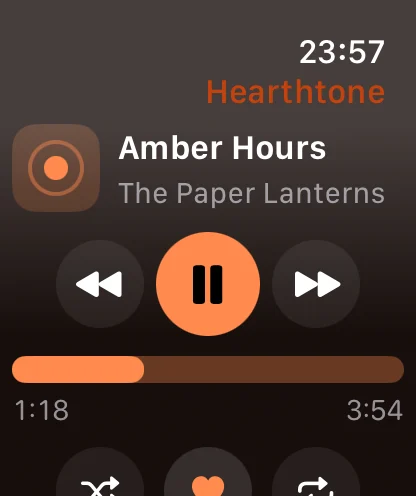
Connect Hearthtone on your iPhone to a Navidrome, Subsonic or OpenSubsonic server and start a song. Open Hearthtone on the paired Apple Watch. Now Playing lets you pause or skip, and Queue shows what will play next. The iPhone handles audio playback in this mode.
Listen directly on Apple Watch with Pro
- Open Hearthtone on the watch and choose Listen on Apple Watch. If you already own Pro, use Restore Purchases if prompted.
- Open Account and connect your server on the watch. Use an address the watch can reach over its network.
- Pick a track to stream. To listen without a server connection, open a song's options and use Download while the server is reachable. Find saved tracks in Downloads on the watch.
Why can’t I see a download on the watch?
Apple Watch and iPhone keep their own offline libraries. A track downloaded on the iPhone needs to be downloaded separately on the watch. Test a downloaded song from the watch before leaving your network.
Download Navidrome music on iPhone · Listen to Navidrome in CarPlay · Hearthtone on the App Store